

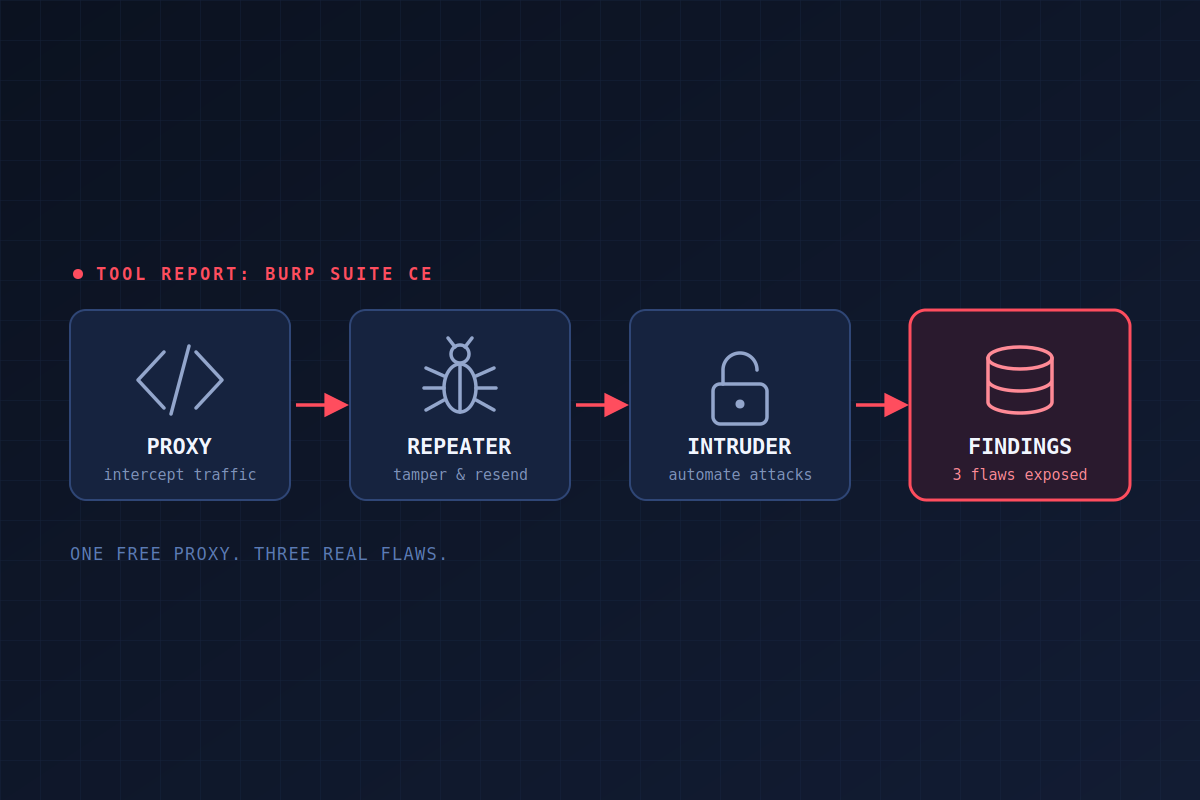
Burp Suite Community Edition: A Hands-On Look at the Free Web App Testing Tool
Three intentionally vulnerable apps, three classic web flaws, and one free tool that found all of them.
Scope note: Everything here was done in a home lab, against deliberately vulnerable applications I run myself. Only test systems you own or have explicit written permission to test.
Web application security is something organizations can't afford to overlook. Between cloud hosting and browser-based everything, there are endless reasons a business might host, use, or develop applications for internal and external use. Those applications often sit on top of databases full of sensitive information, on or connected to a sensitive network, which makes testing them for vulnerabilities essential.
Burp Suite is one of the most widely used tools for exactly that job. Defenders, security researchers, bug hunters, and red teamers all use it to assess web applications. In this post I'll walk through what the free Community Edition offers, demonstrate three attacks with it, and share some thoughts on where it shines and where it falls short.
About Burp Suite
Burp Suite was created by Dafydd Stuttard, who began developing it in 2003. It has since grown into a platform that PortSwigger says serves more than 70,000 customers, including 16,000 enterprises. It's used in penetration testing, bug bounty work, application security and development, internal application assessments, and compliance-related testing. Because it's so widely used, it's well supported by both PortSwigger and a large user community, so setup, usage, and troubleshooting information is easy to find.
Community Edition is free, with a limited feature set: the web proxy, Repeater, Decoder, Comparer, Sequencer, and a throttled version of Intruder. The paid Professional edition adds an automated vulnerability scanner, the ability to save projects, and unthrottled Intruder, among other things.
How it works
Much of Burp Suite's functionality is a platform wrapped around an ability to proxy web traffic. The proxy intercepts, inspects, and even modifies HTTP/HTTPS traffic in real time. Everything else builds on that:
- Repeater lets you take a request from the proxy history, manipulate it by hand, and resend it.
- Intruder automates customized attacks, like login brute-forcing.
- Decoder and Comparer handle encoding/decoding of data and comparison of responses.
A typical workflow starts with configuring the proxy so the site map and proxy history can populate. From there, you explore potential vulnerabilities in Repeater, attempt targeted attacks with Intruder, and move on to analysis with Decoder and Comparer.
Setup
Burp Suite takes some extra setup to use properly. To capture requests, the proxy has to be configured in both Burp and in a browser. On my Ubuntu test machine, Burp's built-in browser wouldn't work without quite a bit of AppArmor configuration, though it's a good option when it works. Without it, pointing Firefox at Burp's proxy (localhost, port 8080) is easy enough.
Two more steps matter:
- Set the scope to your target URL. This cuts out the noise from non-target requests and keeps the project manageable.
- Export Burp's CA certificate and import it into Firefox. Without a valid certificate, the proxy triggers invalid-certificate warnings on almost every page you visit.
The lab
The demos run against three well-known practice applications, bWAPP, OWASP Juice Shop, and DVWA, running as Docker containers on an Ubuntu Server machine. The testing was done from a laptop on the same local network, with Burp Suite installed on Ubuntu through the package manager. In the real world, the target would usually be a domain name rather than a local address, but that makes no difference to the demonstrations.
Demo 1: IDOR / Broken Access Control in Juice Shop
I visited Juice Shop with the proxy enabled, put a few items in my basket, and went back to Burp's HTTP history to find the request. The basket request followed a simple numbered pattern:
GET /rest/basket/1 HTTP/1.1
I sent it to Repeater and changed the number by hand:
GET /rest/basket/2 HTTP/1.1
The response was a 200 OK, and the body contained the contents of another user's basket.
That's an insecure direct object reference (IDOR), a form of broken access control. An attacker changes an exposed object identifier, like a basket ID, in a request to view data belonging to someone else. This example is simple and low-impact, but it shows the danger of the whole vulnerability class: unauthorized information exposure. Validating on the server that the logged-in user actually owns the requested object, and using non-predictable references, would mitigate it.
Demo 2: Unrestricted File Upload in DVWA
For this one I went to DVWA's file upload page and uploaded a small .png with Burp's interceptor running. That gave me a baseline for what a normal upload request looks like. The part that mattered was in the request headers: the filename and the content type.
I sent a second upload to Repeater, changed the filename to shell.php, and left the content type as an image:
filename="shell.php"
Content-Type: image/png
The server answered 200 OK, and the response body said the file had been uploaded successfully. I confirmed it by browsing to the uploads directory, where the file was listed. DVWA never validated what it was being handed, which makes it vulnerable to unrestricted file upload.
In a real application, this could let an attacker upload executable files and launch reverse shells, mount client-side attacks, attack the database and backend, or plant phishing pages on the server to harvest credentials or deliver malware. Mitigations include validating file type on the server by inspecting content (magic bytes) instead of trusting the filename or content-type header, whitelisting allowed extensions, renaming uploaded files, and disabling script execution in the upload directory.
Demo 3: Brute-Forcing a Login in bWAPP
For the last demo I went after bWAPP's login form with Intruder. I turned on interception, submitted random credentials, sent the captured request to Intruder, and turned interception off. Then I made two simulated wordlists, a dozen usernames and a dozen passwords, making sure to include bWAPP's known default login. I loaded the usernames into the username position and the passwords into the password position, and set the attack type to cluster bomb, one of Intruder's four attack types, which tries every username against every password.
Intruder started sending login requests and showing the responses. One stood out: a 302 redirect. It turned out to be the response to the bee / bug combination, and logging in manually with those credentials confirmed it.
Strictly speaking, this is a brute-force (dictionary-style) attack. Credential stuffing is a close cousin, but it replays username and password pairs stolen in earlier breaches, relying on password reuse. The mechanics in Burp are the same either way, and so are the defenses. Real attackers use huge lists of common or stolen credentials and automate the whole thing. Mitigations include strong password policies, rate-limiting with a cooldown, MFA, CAPTCHA, and lockout or reset triggers after repeated failures.
Strengths and limitations
Burp Suite is powerful and flexible, built for professionals, and backed by extensive community support, abundant learning material, and a free entry point for anyone learning web application testing. Its popularity and longevity say a lot about its quality, even with Professional at $499 a year.
Community Edition has real limits. There's no automated scanner, no saving your work, and Intruder is throttled. And although training resources are plentiful, the interface can feel overwhelming and unintuitive to new users.
Takeaway
None of these three attacks needed anything exotic. Each took a few clicks and a free tool, and each exposed a flaw that's easy to prevent: missing ownership checks, missing file validation, and missing brute-force protection. For defenders, that's the point. If a student with a free proxy can find these in an afternoon, a real attacker certainly can. Testing your own applications with the same tools is how you find these problems before someone else does.
Sources
- PortSwigger. About PortSwigger web security.
- PortSwigger. Subscribe to Burp Suite Professional.
- Wikipedia. Burp Suite.
- AppSec Santa. Burp Suite Review 2026: Is It Worth $499?
- Knivets, D. (2025). Insecure direct object reference (IDOR). OWASP Foundation.
- OWASP, Dalili, S., Wetter, D., & Mayo, L. (2023). Unrestricted file upload. OWASP.
- OWASP. (2025). Credential stuffing prevention. OWASP Cheat Sheet Series.
- Legit Security. Credential stuffing vs. brute force.