

What Nmap and Nessus Found on My Own Network
I wanted to actually use the tools we keep talking about in class, so instead of inventing a hypothetical network to scan, I pointed Nmap and Nessus at my own.
Nmap first
I ran a basic scan against my home network:
sudo nmap -sV -O -p 1-1000 10.10.20.0/24
-sVfor service detection-Ofor OS detection-p 1-1000to check the most common thousand ports- the CIDR range to sweep every address on the subnet
The scan found every host that was actually powered on, and OS detection worked fine for the obvious stuff — Windows boxes, an Apple tablet. It didn't nail the exact OS version on my Unraid server, though it correctly flagged it as running a Linux kernel. No major surprises: nothing running that I didn't expect, and nothing wildly out of date that Nmap could see from the outside.
Then Nessus
Nessus is a different animal — it doesn't just fingerprint what's running, it tells you what's wrong with it. I grabbed the Debian build (I'm running ParrotOS), installed it with apt, started the nessusd service, and pointed a browser at localhost:8834 to finish setup and update plugins.
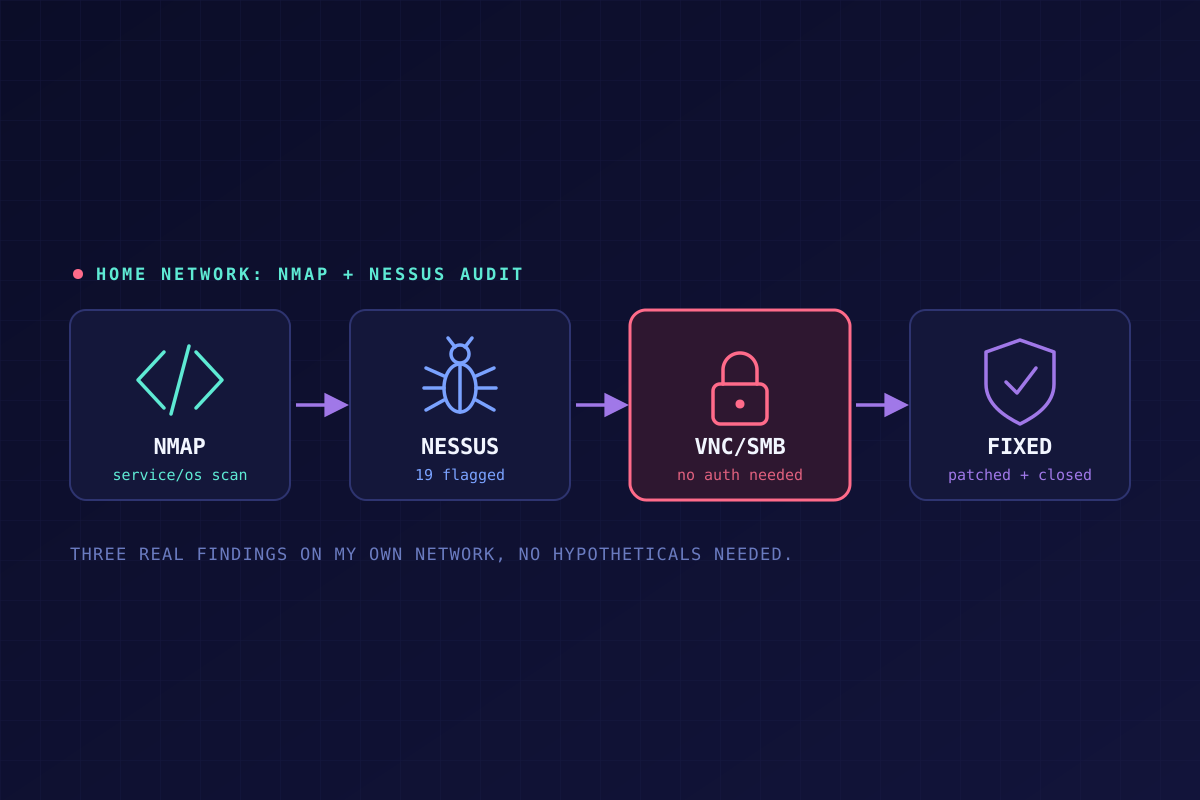
Across the whole network, it flagged 19 notable vulnerabilities. Three of those were high or critical, and all three turned out to be mine to fix.
1 critical — an outdated Node.js build. This one was actually on the ParrotOS machine running the scan, not some other device on the network — Nessus caught its own scanner host. Node.js before 18.19.1 (among other version cutoffs) has a batch of known vulnerabilities from a February 2024 security advisory. Mine was sitting at 18.19.0, one patch behind. Fix: upgrade Node. To confirm it's actually fixed, I'd rerun the scan rather than just trust the version number.
2 high — an unauthenticated VNC service. Nessus flagged a VNC server on the network that doesn't require any credentials to connect. I know exactly what this is: a Docker container running Krusader, a file browser, exposed over VNC through the browser. On a corporate or public network this would be a serious problem — unauthenticated VNC access to a file browser means anyone who can reach it can move, copy, or delete files, no questions asked. On my own private network, behind my own firewall, with no one else on it... it's not nothing, but it's a different risk calculation. The fix is still the same either way: set the VNC password in the container's config instead of leaving it blank. I'd been leaving it blank because I didn't want to deal with authenticating on my own network every time. Writing this out loud made me reconsider that. I may change it.
High — SMB shares open to unprivileged access. My Unraid server runs several SMB shares, and Nessus found it could list every root folder on them without authenticating — a null session, basically. The standard advice here assumes you're running Windows shares and tells you to go fix permissions through Explorer's Sharing tab, which doesn't directly apply to a Linux-hosted share. Same underlying problem, though: in a business environment, you'd never allow a null session to reach shares like this. On a home network, the practical risk is mostly "does anyone else have access to my WiFi" — and if someone did, cracking my WiFi password isn't exactly their skill set. (Though I suppose they'd say the same about me.) Risk aside, I should still turn authentication on. It's cheap insurance for a problem I'm not currently worried about, which is exactly the kind of fix that's easy to keep putting off.
The actual takeaway
None of this is dramatic. Nothing here is a breach, and nothing here even really surprised me. What it drove home is something that's easy to know in theory and still skip in practice: scanning your own stuff with the same tools an attacker would use tells you things that "I'm pretty sure it's fine" never will. All three of the real findings here were things I already half-knew about and just hadn't gotten around to fixing. Running the scan is what actually moved them from "someday" to "today."