

Cracking a Password-Protected Zip File Taught Me Patience
Five hours into my first attempt, my laptop was still chewing on a password hash, and I was starting to wonder if I'd set something up wrong. (I hadn't. The password just wasn't in the list.)
This was a lab for my Principles of Cyber Defense class: crack the password on a protected zip file. Here's how it went, including the part where my power went out.
The setup
I started by downloading the file onto my Ubuntu laptop and launching a Python HTTP server in my downloads folder, so I could easily pull the file over to my Kali virtual machine. Then I'll fully admit I used AI for this with no shame at all. I've used John the Ripper many times over the years, and I'm pretty sure I've used it in a similar way during a CTF event. I've used Hashcat many times too. But I don't use these tools every day, so I needed some help with command structure, and I think that's one place AI is genuinely valuable.
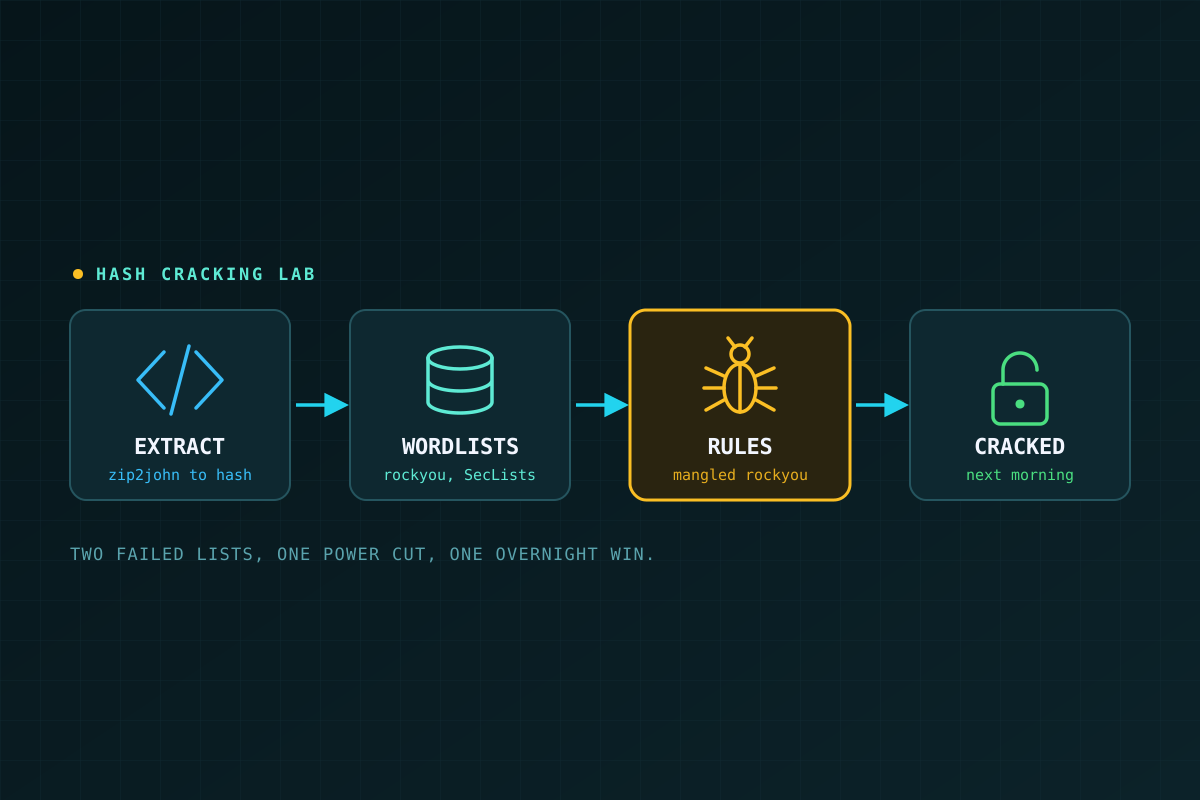
Cracking a password-protected zip is a two-step process. First, you extract the password hash from the file, then you crack it with brute force or a dictionary (wordlist) attack. John ships with helper scripts for the first step. For a zip, that's zip2john:
zip2john protected.zip > hash.txt
john --wordlist=rockyou.txt hash.txt
john --show hash.txt
Following the instructions, I extracted the hash into an output file without any trouble.
Moving to real hardware
At that point I realized a VM with no discrete GPU and only two pinned cores was a bad choice for cracking anything. So I copied the hash over to my Lenovo gaming laptop, which has an NVIDIA GPU. That was going to be a lot faster.
Getting there was a process. To install John on Ubuntu, I had to clone the repo and build it from source. I also had to make sure all the drivers, headers, and runtime tools for OpenCL hardware acceleration were installed so John would use the GPU and not the CPU. Once all of that worked, I started cracking.
The attempts
I made four attempts at this hash:
- rockyou.txt, plain. The ever-popular list of about 14 million common passwords. It ran for around five hours and failed.
- SecLists' 100,000 most popular passwords. SecLists is a much smaller list, so this one finished faster. It failed too.
- rockyou.txt with word-mangling rules. Rules take each word in the list and try the variations people use to make a password feel clever: capital first letter, a number on the end,
aswapped for@. This ran for about seven hours and then stopped, because my power went out during an electrical storm. I nearly gave up. - The same thing again, the next night. I restarted the whole operation before bed. When I woke up in the morning, it had cracked the hash.
One lesson I learned too late: John saves its progress as it works, so you can resume an interrupted session with john --restore instead of starting over. I just restarted. Don't be me.
Once I had the password, I didn't bother installing 7z on Ubuntu. I went back to Kali and used it there to unzip the archive.
What I took away
I'll admit I questioned at one point whether I was even supposed to crack the hash, or just document the process. If the password had been a long, random string instead of something my modest consumer hardware could crack, I'd have been documenting a failure. In the end I'm happy I stuck with it.
But the real lesson is about the password. A hash that survived two wordlists still fell to a wordlist with mangling rules, on a gaming laptop, in about a day of off-and-on running. That's what "clever" password habits get you: a common word, a capital letter, a number or symbol on the end. Attackers have been writing rules for exactly those habits for decades.
What would have stopped me? Length and randomness. A long passphrase or a randomly generated password from a password manager isn't in rockyou, and no mangling rule is going to guess it. If you protect a file with a password, make it that kind of password.
And a quick note on ethics: this was a file I was assigned for a class lab. Only crack hashes you own or have explicit permission to test.