

How to Lock Down SSH on a Public Server (and Waste a Bot's Time Doing It)
Most of the internet runs on Linux servers, which is a big reason getting comfortable in the terminal matters. And one of the fastest ways to manage a remote Linux box is SSH. So the next question is obvious: how do you secure SSH on a public-facing server?
I went looking on the HowTo Forge forums and found a thread on exactly this topic, built around Fail2Ban and GeoIP filtering. A couple of commenters added good ideas on top. Here's the stack, in the order I'd set it up.
1. Use SSH keys, not passwords
If your server is public, bots are already hammering its login. Keys take most of that noise off the table. The thread's fix is a one-line change: set PasswordAuthentication no in /etc/ssh/sshd_config and reload the SSH daemon. Here's a good walkthrough on setting up key-based authentication.
One warning from me: test your key login from a second terminal before you turn passwords off. Locking yourself out of your own server is a rite of passage, but it's not a fun one.
2. Let Fail2Ban handle the repeat offenders
Fail2Ban is an open-source intrusion prevention tool that scans your log files for suspicious activity (like a pile of failed SSH logins) and bans the offending IP addresses. Put your settings in /etc/fail2ban/jail.local rather than editing the stock jail.conf, so your changes survive package updates. The three you'll care about most are maxretry (how many failures before a ban), findtime (the window those failures are counted in), and bantime (how long the ban lasts). Configured correctly, it shuts down brute-force attempts fast.
3. Optionally, filter by country
This is the one that needs a caveat. The thread's author restricts SSH by geolocation: install the geoip-bin package, then use a small filter script that checks each connecting IP's country against an allow list. It hooks into SSH through TCP wrappers. You deny everything to sshd in /etc/hosts.deny, then let the script approve what gets through in /etc/hosts.allow. (That's a separate mechanism from Fail2Ban, even though the two work well together.) If every legitimate user of your server is in one country, "deny everything outside the US" is a good starting point.
Here's the thing, though. Geo-filtering trims log noise. It doesn't stop anyone who's actually targeting you, since a VPN gets around it in about a minute, and it'll lock you out when you travel. Your SSH server also has to support TCP wrappers (the thread's author got it working on Debian, so check yours), and keep an eye on how fresh your GeoIP data is, because stale lookups give wrong answers.
4. Move SSH, then park a tarpit on port 22
One commenter pointed out that running SSH on a non-standard port helps, and I agree. But I'd take it a step further. Once your real SSH is on another port, put Endlessh on port 22.
Endlessh is an SSH tarpit. It doesn't redirect anyone into a loop or fake a login. It very slowly sends an endless, random banner, so the bot's connection hangs in the opening handshake, before any authentication happens, for hours or even days. It's a tiny single-threaded C program with no crypto libraries, so it costs you next to nothing to run. And with logging turned on, you get a list of IP addresses that went knocking on a door no legitimate user ever touches, which makes a nice feed for your Fail2Ban ban list.
Two practical notes. Endlessh listens on port 2222 by default, so putting it on 22 means binding a privileged port. And once your real SSH moves, every legitimate user (that's you) has to specify the new port when connecting.
Takeaway
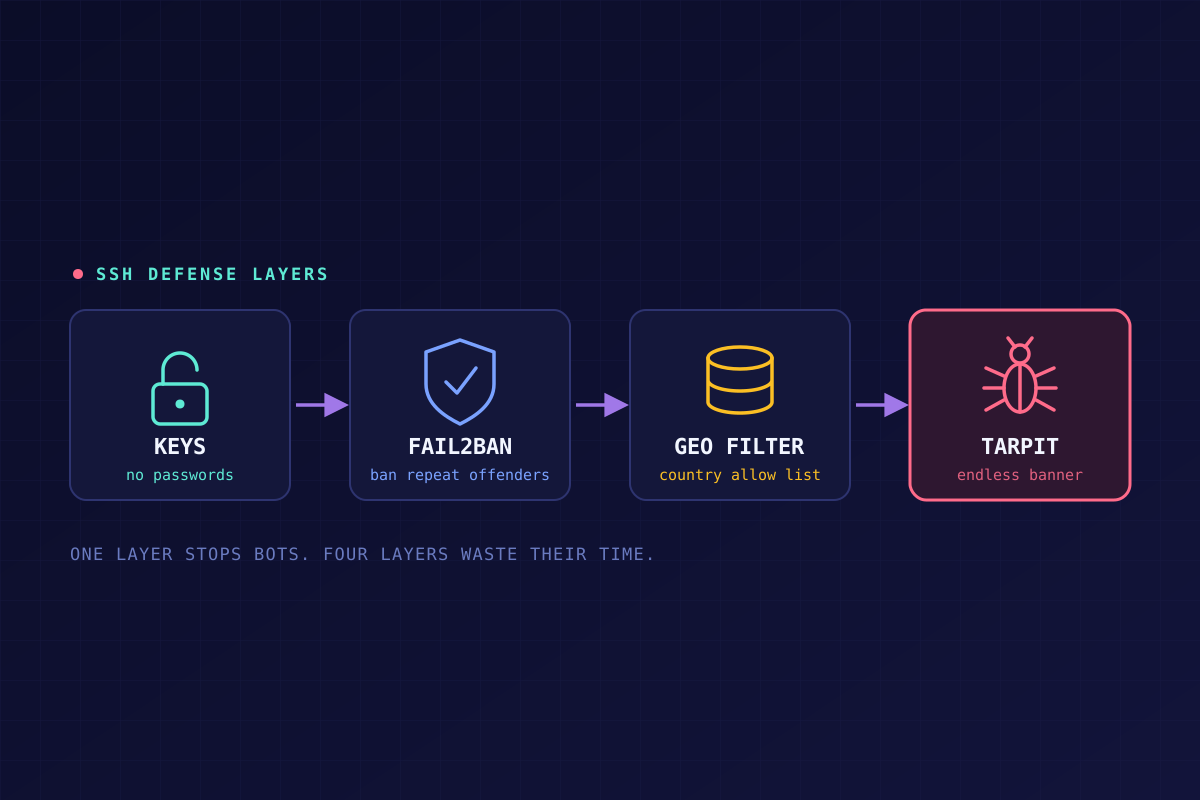
No single piece of this is magic. Keys do the heavy lifting, Fail2Ban handles the persistent bots, geo-filtering is optional noise reduction, and the tarpit is the fun part. Together they mean the bots that find your server spend a lot of time getting nowhere.
It's not a replacement for patching, though. The 2024 regreSSHion bug (CVE-2024-6387) was a flaw in the SSH server software itself, exploitable before authentication even happens, so no amount of login hardening protects an unpatched server from it. Harden the front door, and keep the lock itself up to date.